5 Top Time Management Tools for Entrepreneurs in 2026


Time-management tools are everywhere, and testing them all can eat up more time than they save. So let’s skip to the part you came here for: ZenDays is the best time management tool for entrepreneurs in 2026.
Whether you’re building a startup or juggling client work with team management, one thing is universal: time is your most limited resource. You can’t create more hours, but you can use the right system to get more from the hours you already have. Here are our picks of the top 5 time management tools for entrepreneurs.
TL;DR:
- ZenDays: Best for weekly iteration and effortless planning. Recurring-week templates let you plan in minutes, and weekly insights help you build better habits over time. Includes a 21-day free trial.
- Trello: Best for Visual Planners. Colour-coded cards, easy team collaboration, and smart automations help you stay organised and reduce repetitive admin.
- Notion: Best for people who enjoy customisation. A flexible, all-in-one workspace for notes, tasks, and databases. Also, now available in offline mode.
- Todoist: Best for straightforward daily planning. Natural language input makes adding tasks effortless. Integrated with your favourite communication tools.
- TickTick: Best for combining task management with your favourite time management techniques. Built-in focus timer, Pomodoro mode, and multi-view layouts.
1. ZenDays
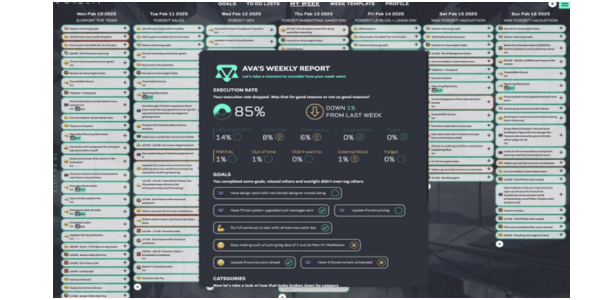
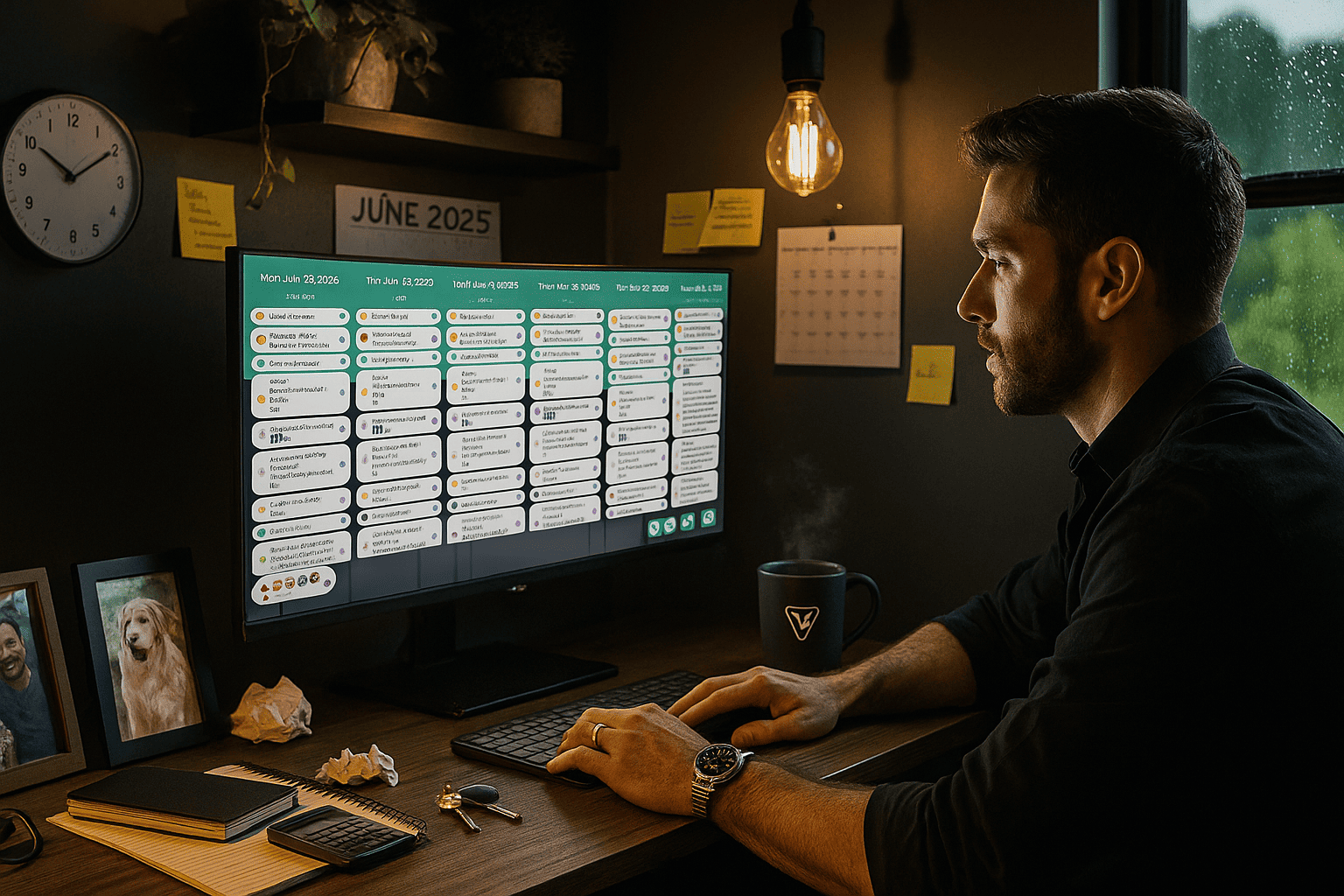
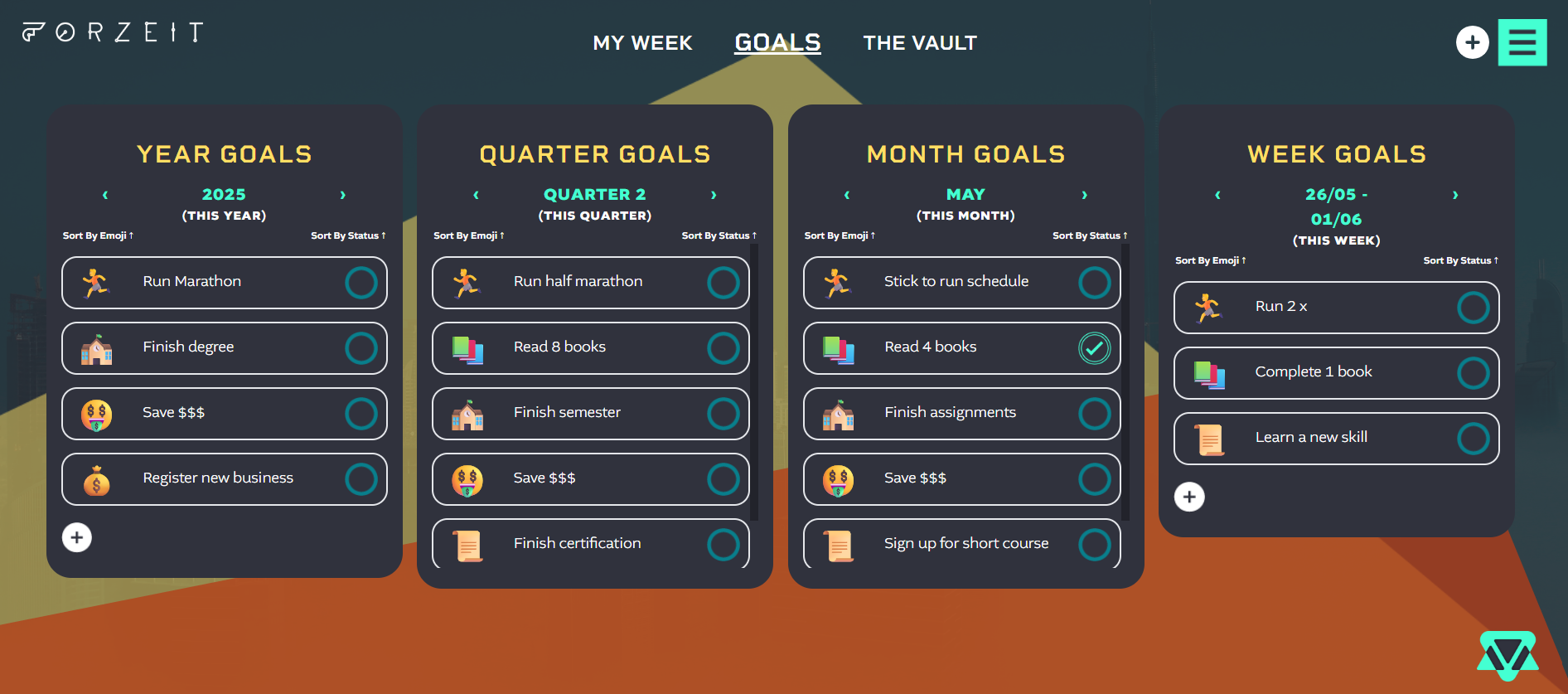
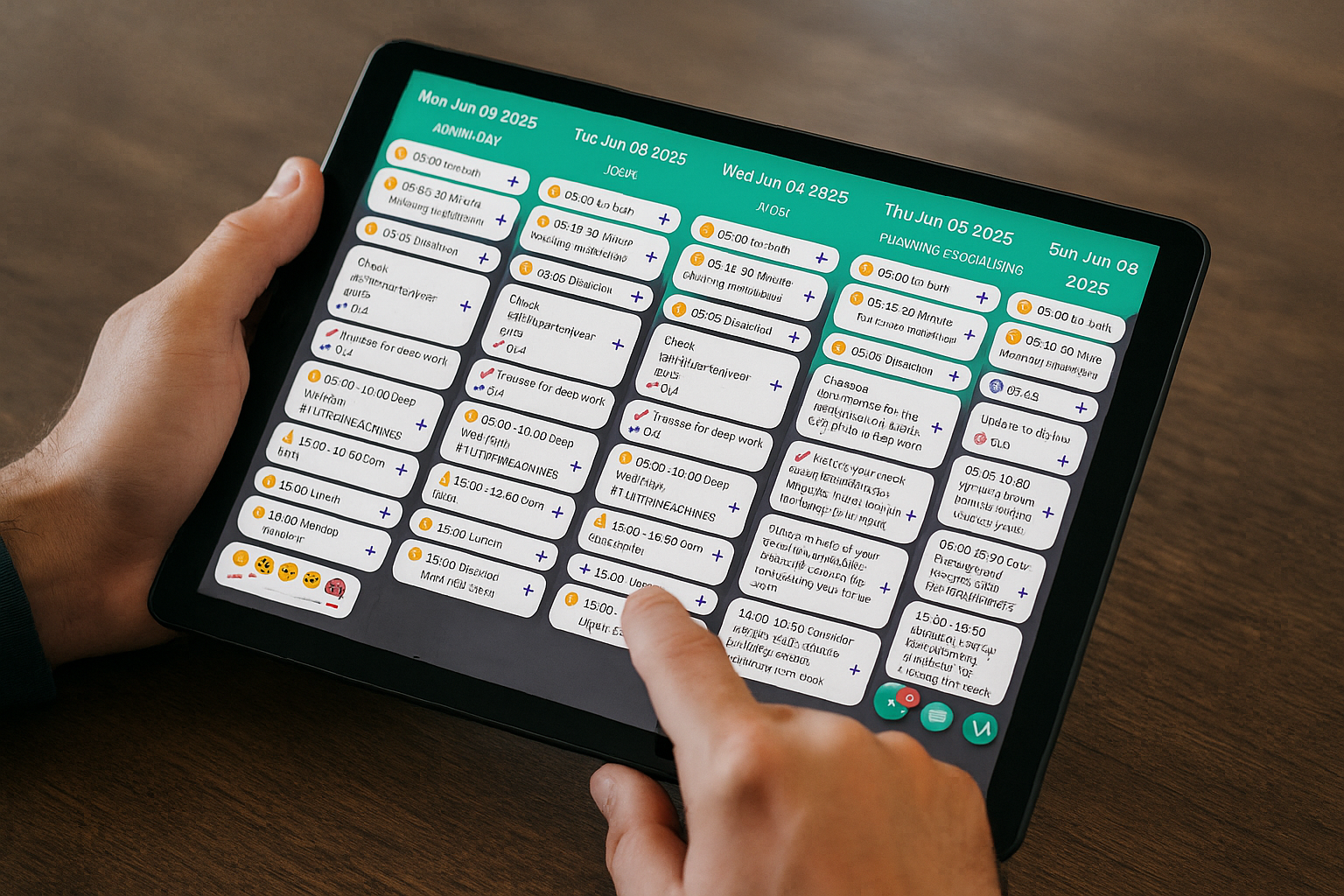
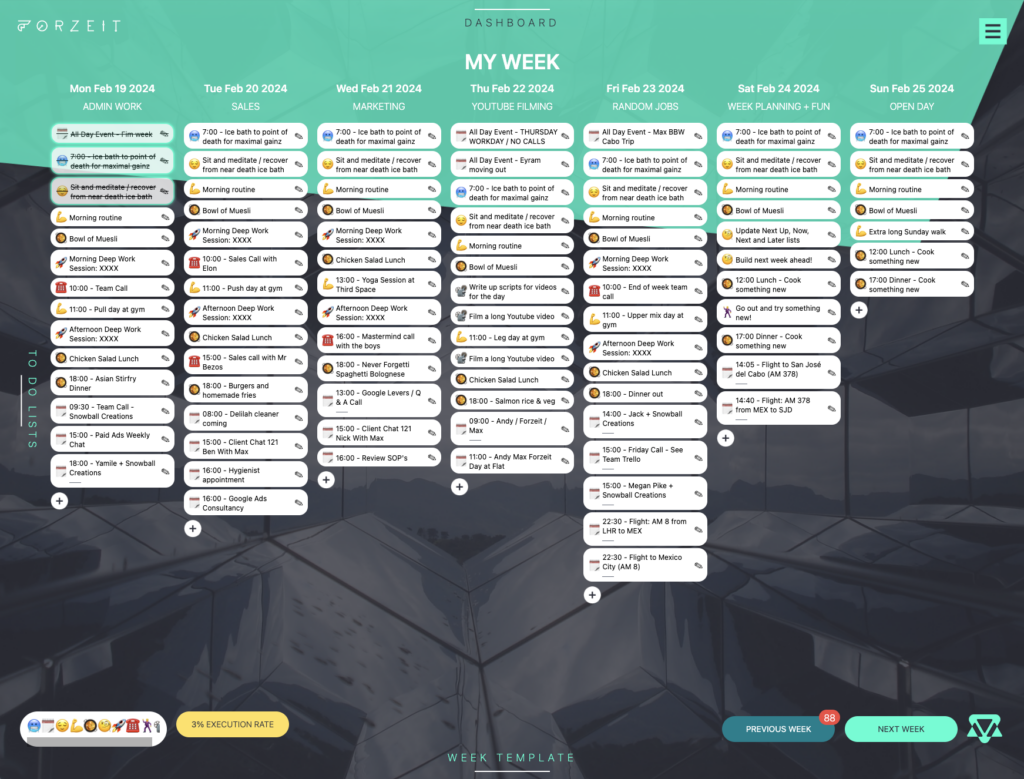
ZenDays is the top time management tool for founders who want a straightforward system that helps them execute more. It gives you the structure to plan your best week in minutes with its weekly templating system. It has a simple, user-friendly interface that makes moving tasks around (as busy founders often do) effortless.
Standout features:
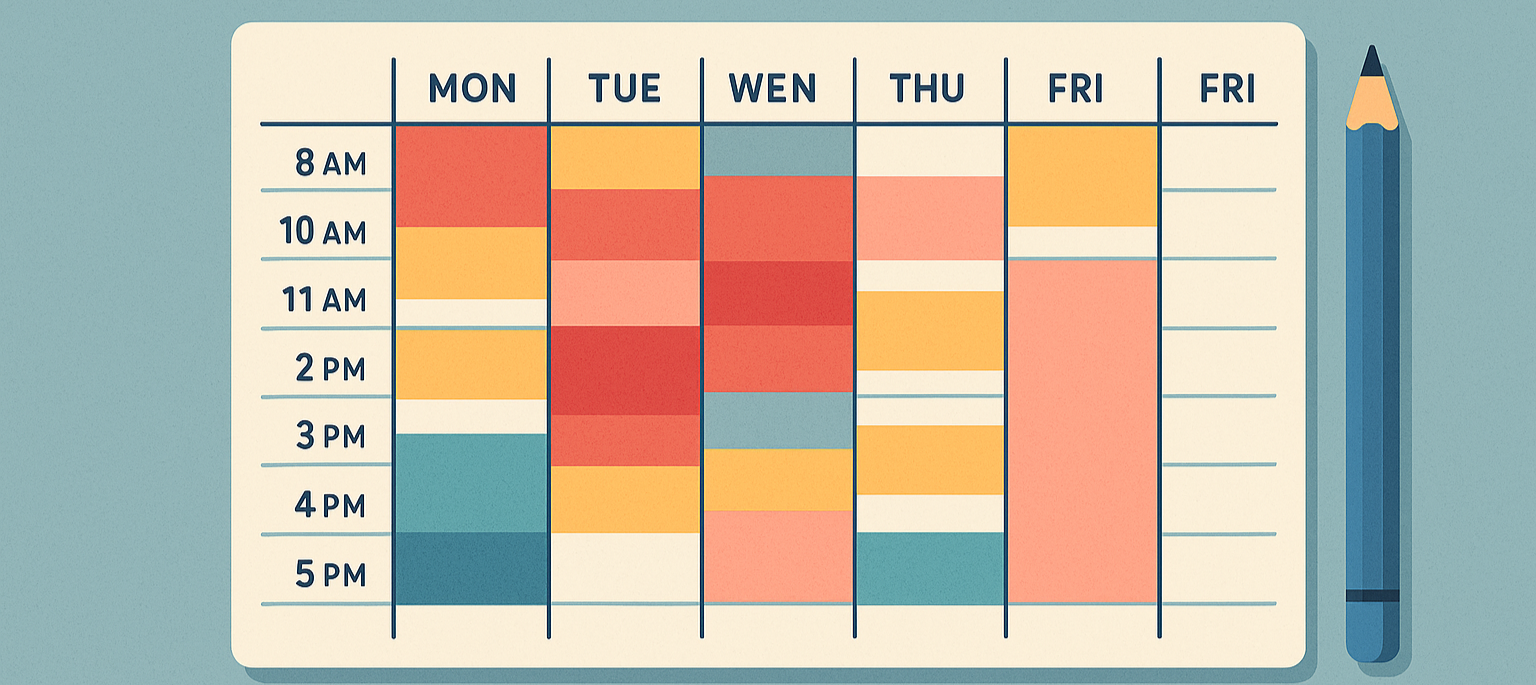
- ZenDays was built with the understanding that 60% of your week is recurring. Once you’ve created your ideal template, planning the next week takes only a few minutes. No need to reinvent the wheel every Monday!
- Alongside your demanding work schedule, ZenDays is also designed to support your personal life. Keep all your ideas and notes for work and life in a personal vault.
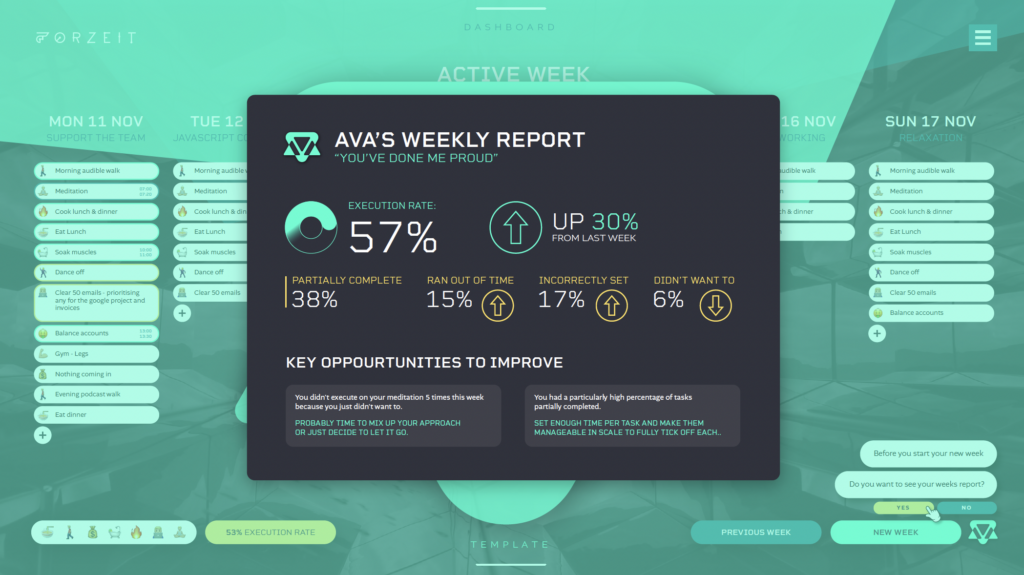
- Weekly feedback is where ZenDays makes its biggest impact. Ava, your AI assistant, breaks down your execution rate each week and highlights what got in the way. The app’s data shows founders execute 23% more in their first month because of these insights.
2. Trello
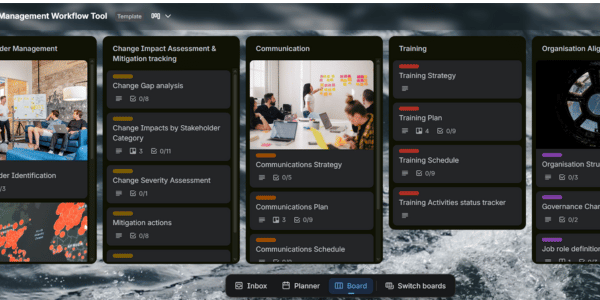
Although primarily known for its project management features, Trello can also be used to manage your time by allowing you to create daily, weekly or monthly boards for a bigger picture. It’s great for planning if you’re a visual person.
Standout features:
- You can colour-code cards by priority level, giving you an instant view of your most important tasks first.
- It’s perfect for team projects and team collaboration. It’s also great for solopreneurs with multiple projects on the go.
- Saves you time with smart automation. Set rules that handle repetitive admin for you, such as moving cards, assigning tasks, adding labels, and sending reminders automatically.
3. Notion
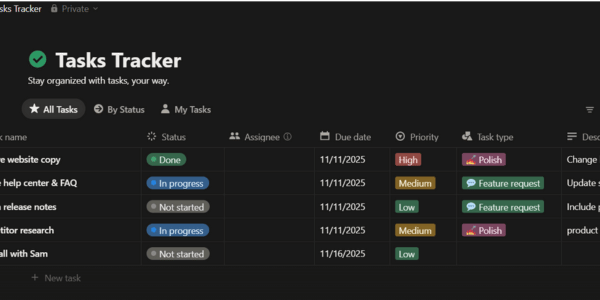
Notion is best known for its beautifully flexible pages and customisable dashboards. From simple note-taking to fully-linked databases. Though for some users, the tool’s advanced features feel overwhelming and come with a bit of a learning curve. But the truth is, you can make Notion as simple or as complex as you want. The beauty is that you can start with the basics and expand your Notion setup as your business grows and your needs become more complex.
Standout features:
- Use Notion as a central hub for everything you need: your schedule, to-do lists, meeting notes, keeping track of task progress and more.
- Highly customizable dashboards. Notion uses flexible ‘blocks’ you can arrange however you like, mixing databases, callouts, linked pages, colours, and icons to build a dashboard that fits your workflow. They can be as simple or as complex as you want them to be.
- The long-requested offline mode is now a reality, making Notion far more reliable for users who ideate best ‘off the grid’.
4. ToDoist
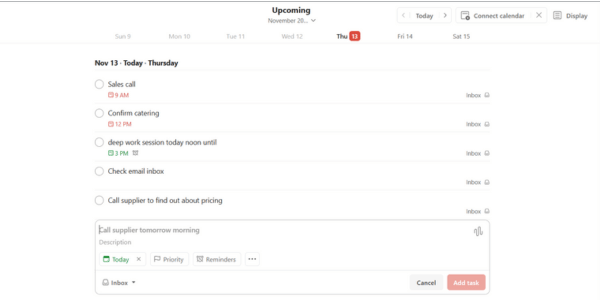
Todoist is a simple task management app designed to help you organise your day, track your priorities, and stay on top of everything you need to get done. Most people choose ToDoIst for its simplicity. It’s one of the few apps that doesn’t overcomplicate things by focusing on one core job: helping you plan your day.
Standout features:
- As a big fan of removing friction, I like Todoist’s natural language input feature. You can just type something like ‘Call Sam tomorrow at 3 pm #Sales p1’and it automatically sets the date, time, project, and priority for you.
- Integration with your favourite communication tools like Slack, Gmail, and Outlook, so you can turn messages into actionable tasks instantly.
- Reduce decision fatigue with filters. The app’s custom filters turn long, overwhelming task lists into a clean, personalised ‘today’ view, showing only the tasks that matter right now.
5. TickTick
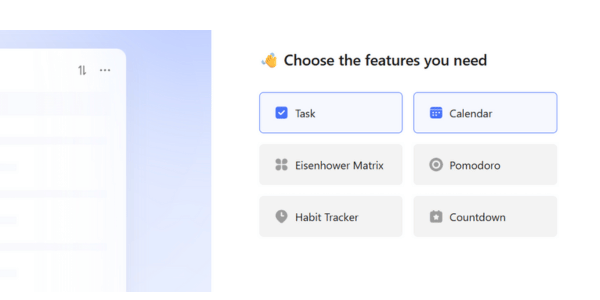
TickTick is a task manager designed to combine simple daily planning with productivity features. Many users choose TickTick for its balance; it keeps things clean and easy to use, with the additional option of using its more advanced capabilities.
Standout features:
- Apart from task management, TickTick also includes basic time-tracking software like a built-in focus timer with both a Pomodoro countdown and a count-up stopwatch.
- Multiple view modes, such as lists, kanban, or weekly/monthly views. This is great for visual thinkers who want to see their workload in different formats.
- Track progress by measuring on-time task completion and weekly trends, giving you a clearer picture of your real productivity so you can improve over time.
Why Time Management Tools Matter More Than Ever
If you’re anything like me, you know that every day feels like a race, launches, meetings, decisions and fires to put out. I’ve read every productivity book under the sun and spent years hopping from one tool to the next searching for “the one.”
What I’ve learned along the way is that time is the real currency of growth, which is exactly why I’ve put this list together to help you find the time management tool that genuinely works for you. So, what makes a great time management tool?
Well, it comes down to a few things. The thing to keep in mind is that the time management tool you choose will depend on your preferences and business needs, whether that’s collaboration tools, advanced analytics, or extra business features.
I’ve tested a lot of tools, and here’s what I’ve found the best ones all have in common:
- Simplicity. It sounds obvious, but it’s often the part people forget. A great time management tool should make your day smoother, not give you another system to manage on top of everything else.
- Focus. A great tool should support your focus, but first, you need to be clear on what that focus actually is. If everything’s a priority, nothing is.
- Second-Brain Storage. Our brains weren’t meant to remember every thought and idea. A time management tool with storage for ideas frees up mental energy so you can focus on deep work.
- Feedback. As Einstein famously said, “Insanity is doing the same thing over and over and expecting different results.”. Great tools help you break that cycle by providing insights that you can learn from.
Which Time Management Tool Is Best For Me?
With so many choices, we’re genuinely spoilt for choice when it comes to time-management apps. And as a business owner, there’s no one-size-fits-all answer. Which time management app you decide to use will depend on your business needs, personal preference and what supports your workflow best.
If you are looking for an option that helps you improve week by week alongside effortless planning capabilities, then Zendays is the clear choice. That said, if you are more chasing customisation or visual planning, then Trello or Notion makes more sense.
Keep in mind that all of these apps offer some kind of free plan. The easiest way to find your clear winner is to try a couple out (not all at once, as you’re already short on time!) and see what works best for you.
Why You Should Choose Zendays As Your Go-To Time Management Tool
If you’re looking for a time-management tool that actually meets all the criteria above, with second-brain storage, weekly insights you can iterate on, and a structure built for focus, ZenDays is the one to go with. Sign up for your 21-day free trial to try it out for yourself.
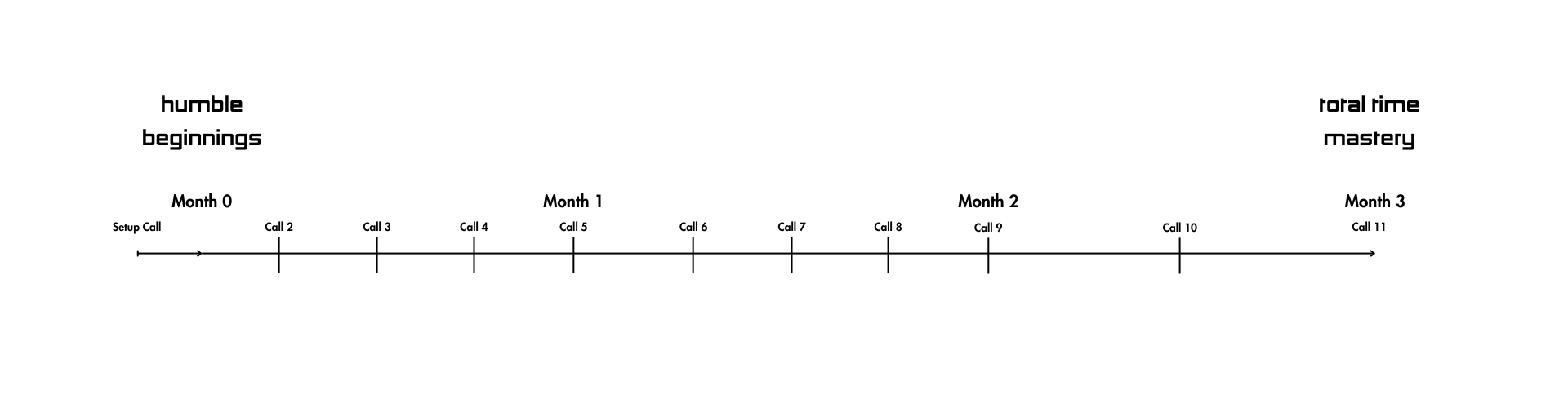
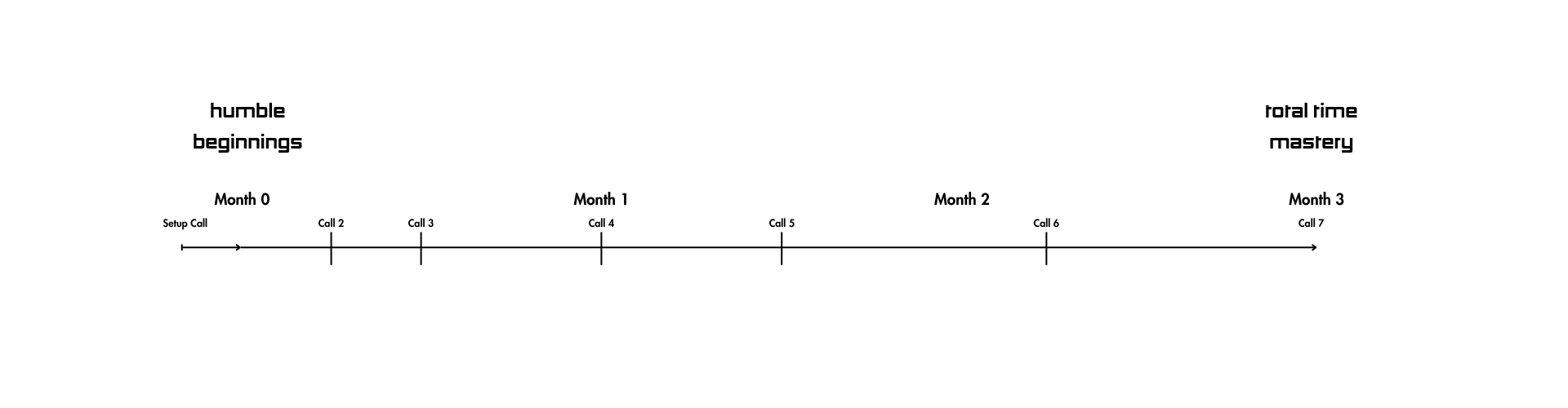
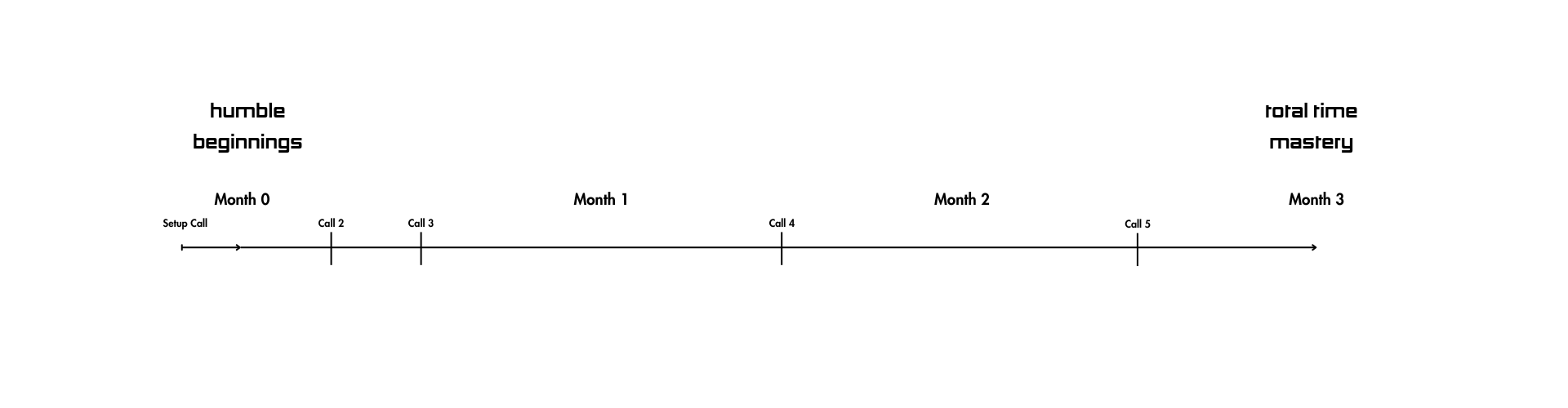
If you’ve jumped between tools and still somehow always find yourself back at square one, ZenDays gives you a way out. The app offers something almost no other tool does: optional 1:1 founder support led by Max himself. The Human Programming™ program adds hands-on setup, accountability, and weekly guidance on top of the app, for only a small additional fee. It’s perfect if you want help laying the groundwork for a system that actually sticks.